🏀 Project Summary & Skills Used
Project Overview
This project showcases an interactive NBA Historical Simulator with a head-to-head game predictor and a lineup optimizer. Users can compare teams across eras and evaluate both lineup effectiveness and ineffectiveness using efficiency metrics, player attributes, and positional balance.
Skills Practiced
- Data Formation and Necessary Cleaning
- File Interaction/Logic Usage
- Regression Modeling and Resultant Application
- Optimal Search/Greedy Heuristic Methodologies
- Leadership, Communication, and Time/Task Management
- GitHub Workflow, Version Control, and Collaborative Coding
- Developing an Interactive Web Interface in consideration of User Standards
🛠️ Project Development Process
Initial Concept:
- We are both very interested in the world of sports and hence the world of sports analytics. For this reason, we felt that a project centered on sports simulation/optimization would be beneficial both in entertainment and academic depth. Competition between two historically ‘great’ teams is a complex conversation, and one that is ultimately impossible to answer, it was for this reason that we felt it would be exciting to build a game simulator. Similarly, the lineup optimizer stems from the notion that any given team has better and worse attributes, so optimizing and assembling the best lineup for given characteristics is one way to hypothesize success in a team.
Design Evolution:
- In the early stages of the project, we were positive that creating a z-score of differentials between teams to train the RandomForest on would be the best way to then forecast any two given teams. However, it eventually proved unnecessary to the training process as the data was already formatted in a way that trained the teams simply, and creating differentials would mean losing the values of statistics in the name of relativity. As for the lineup optimizer, we originally meant for the problem to be solving using OR-Tools, but upon setting up the problem in Java, it became much simpler. Positional balance became the only constraint, and so the problem became more of an optimal search problem than a operations research topic. We also decided to add a worst lineup result as well, as it was a simple matter of replication and would provide completely new information to the user.
Roadblocks and Solutions:
- We encountered several problems at nearly every point in our project. In the data construction phase, we could not avoid deleting excess games due to the game ID’s not being synced until we used joinOn/inner. We also had to transpose many of the tables manually to change z-score tables to match the formatting of the original dataset. In our first functionality, we discovered that the RandomForest could intake score columns or differential columns because that essentially “leaks” all the information to the model. In the second functionality, the player data allowed players to be considered for multiple positions, allowing players to be in our lineup more than once and violating our predetermined rules for an optimal lineup. Aside from the logic, we had plenty of software issues ranging from the exporting a csv from Excel, to GitHub version control.
Outcomes and Expectations:
- We did a great job initially, creating a vision of success and then continuing to hold on to that vision so that we could execute efficiently. In terms of the functionality, it does everything we were hoping to accomplish, and we were even able to add additional components we hadn’t planned on. I believe that initial collaboration on what we were looking to get out of the project became they key for setting expectations and targeting tasks realistically.
🔑 Key Features/Highlights
Matchup Simulator
Once opening the simulator, users will be presented with the option to select an era of choice. Each era has different types of play (scoring, possession, pace, etc.).
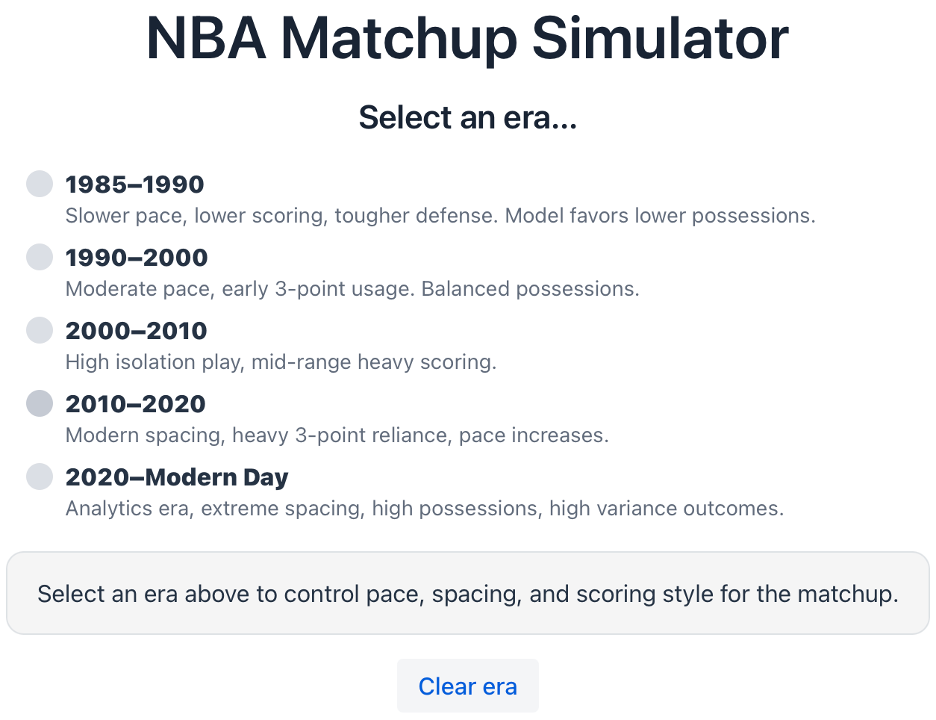
Matchup Simulator (upper half) Below the era selection, users will be prompted to select their teams of choice. Clicking on the drop down boxes will present all 28 NBA teams.
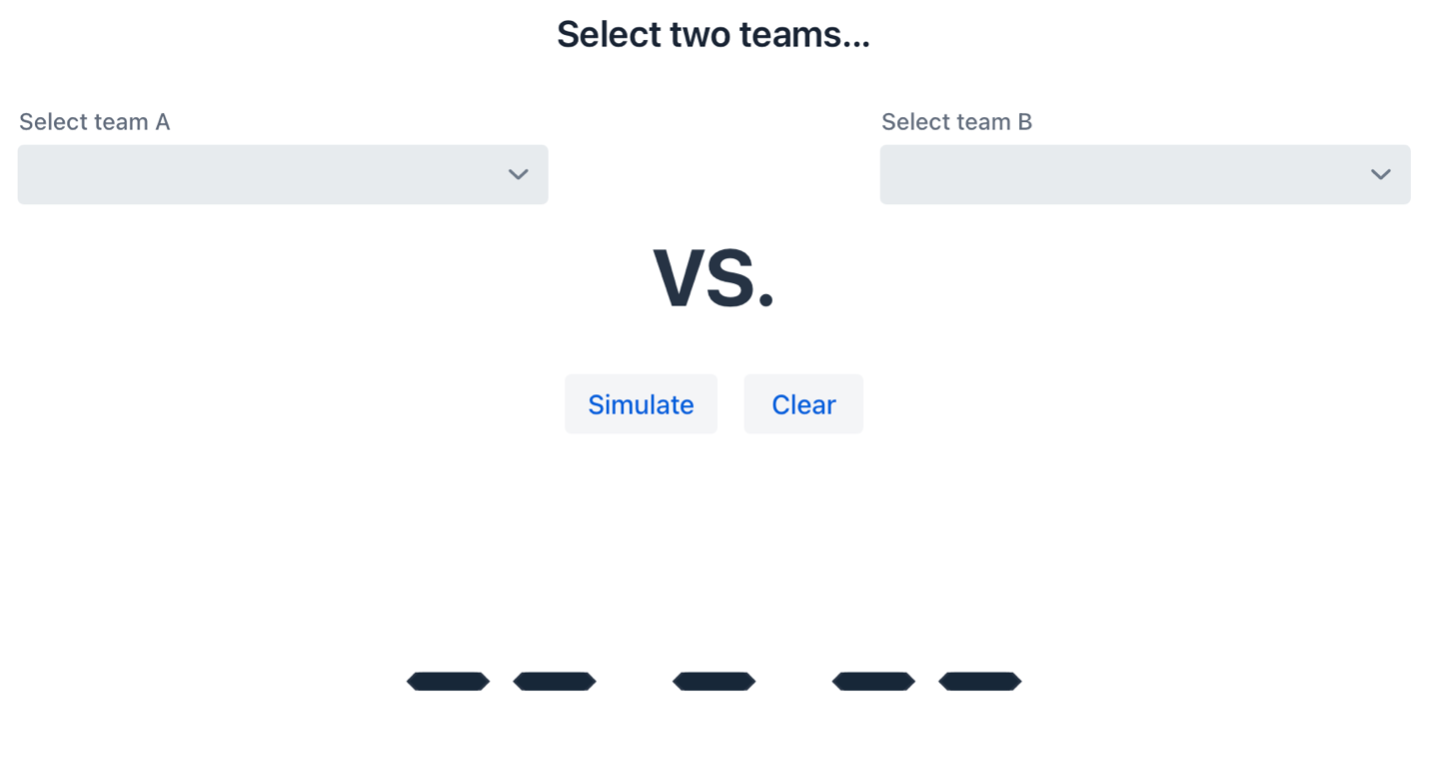
Matchup Simulator (lower half) Step 1: Select Era
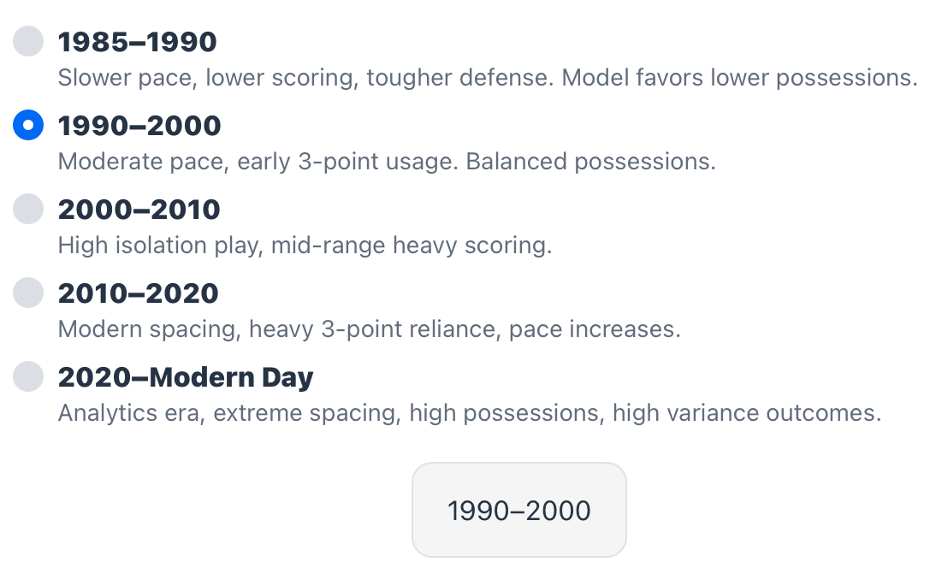
Matchup Simulator (era selection) Step 2: Select Teams and click ‘Simulate’ to run the model.
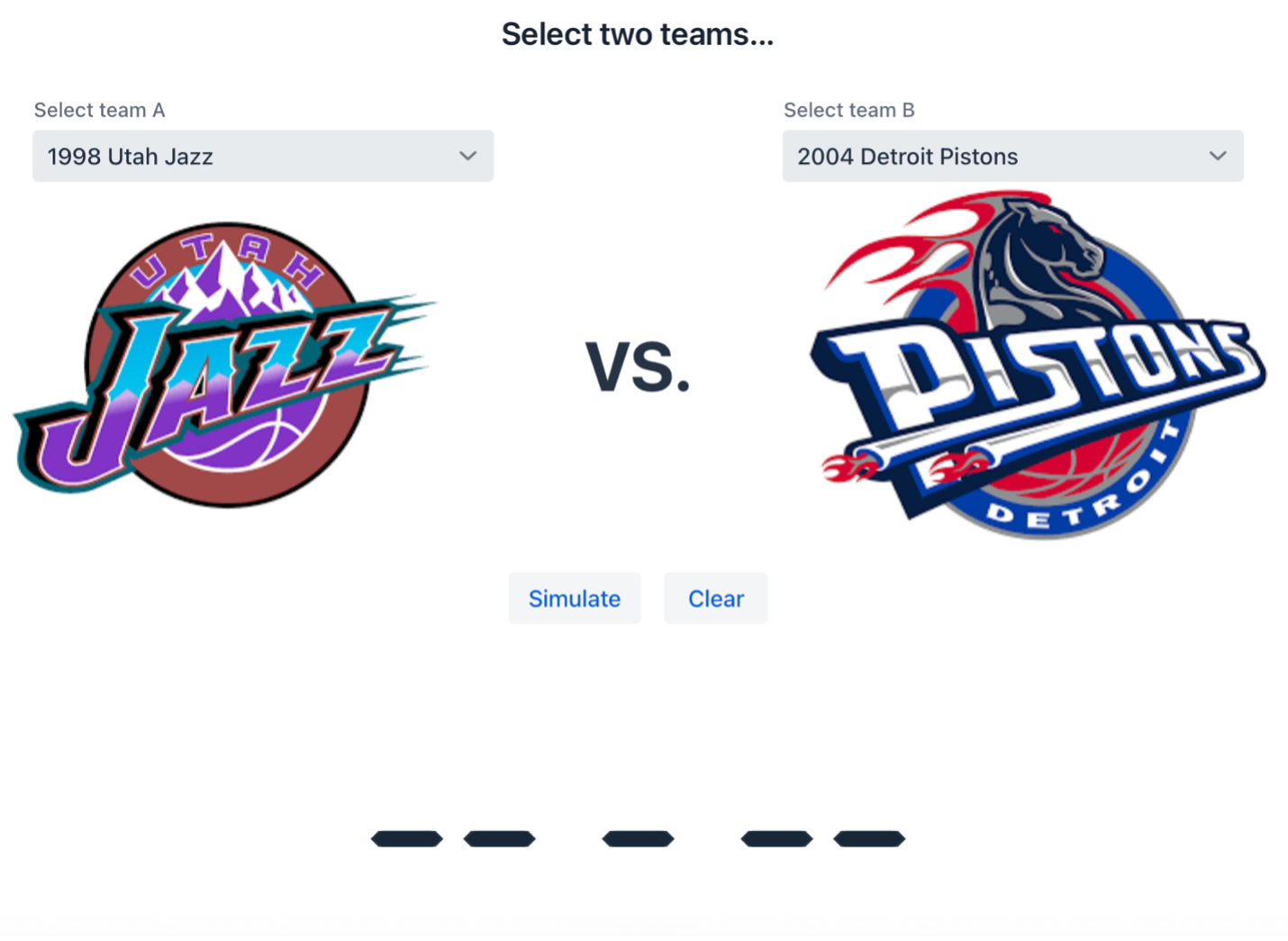
Matchup Simulator (team selection) Step 3: Admire results
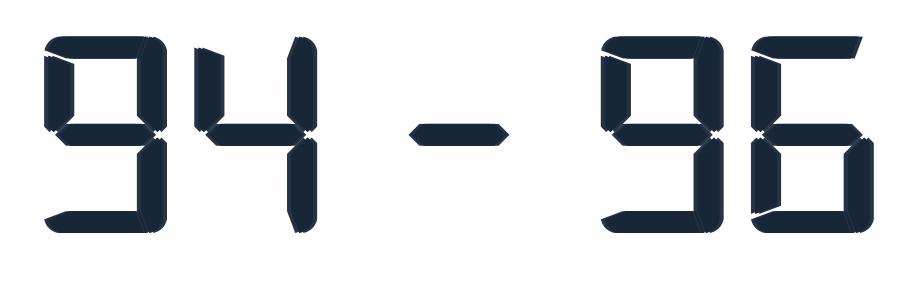
Matchup Simulator (results)
Lineup Optimizer
Once opening the optimizer, users will be presented with the following page:
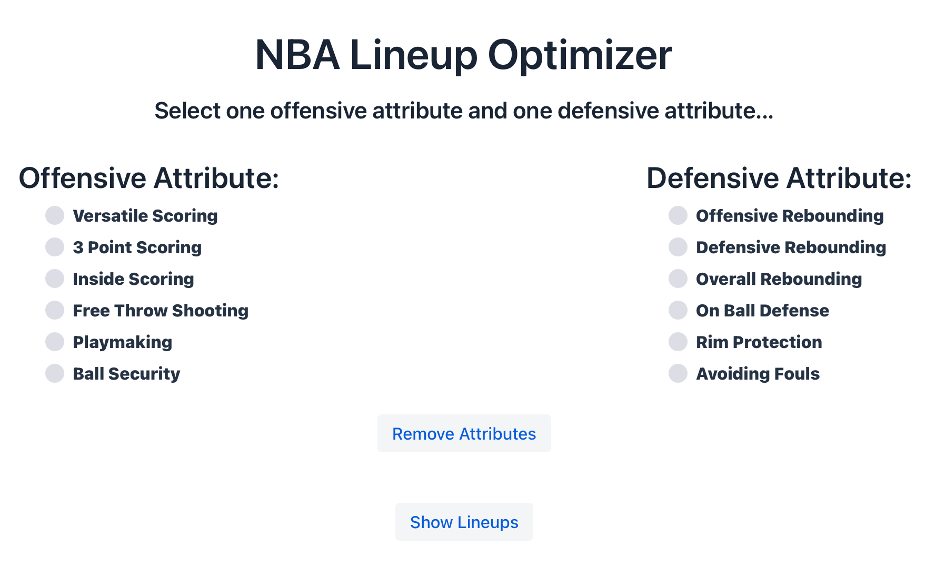
Lineup Optimizer All users must do is select one offensive attribute and one defensive attribute of choice. Clicking the ‘Show Lineups’ button will lead to the following:
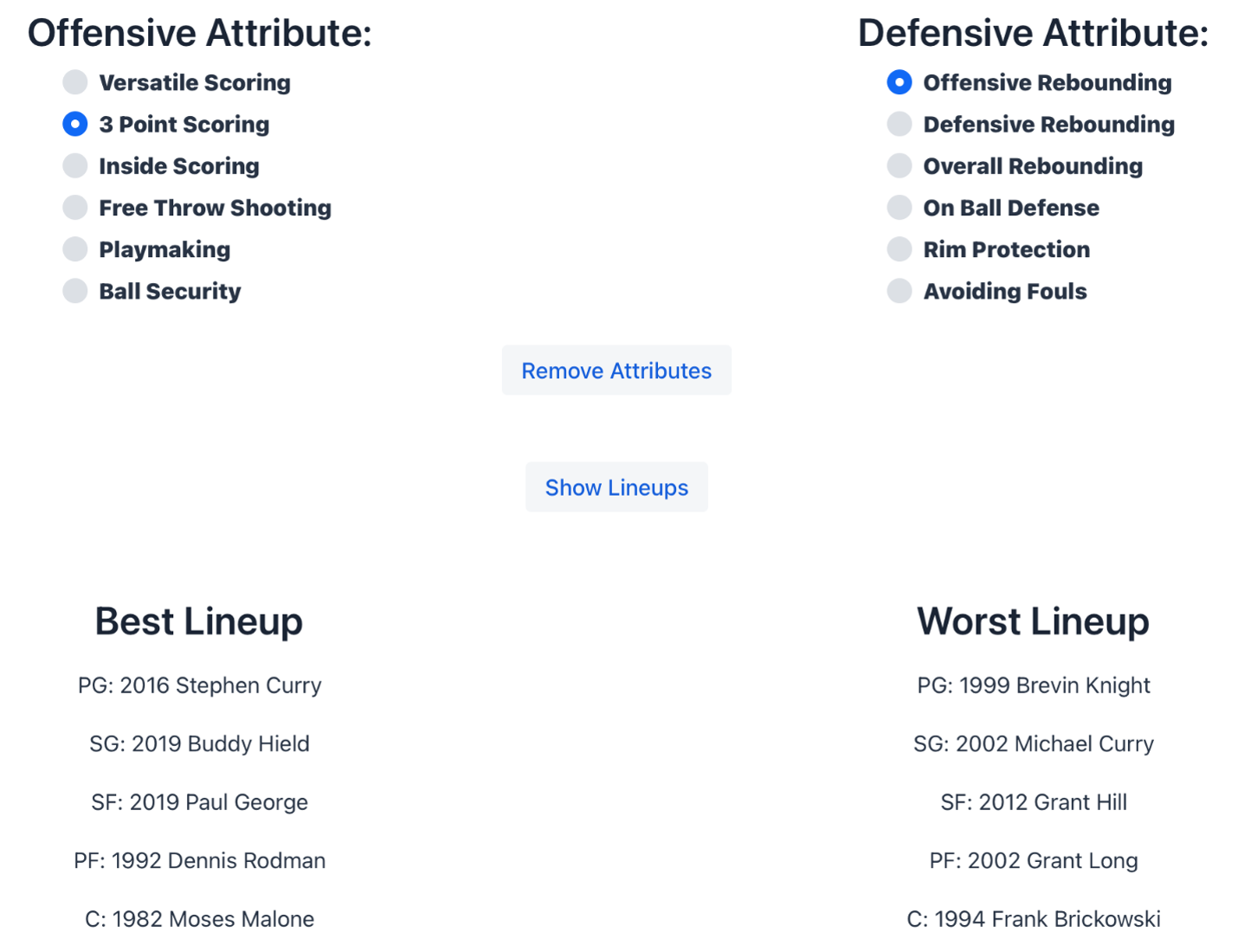
Lineup Optimizer (results)